


7 Best Tips On How To Move a TV
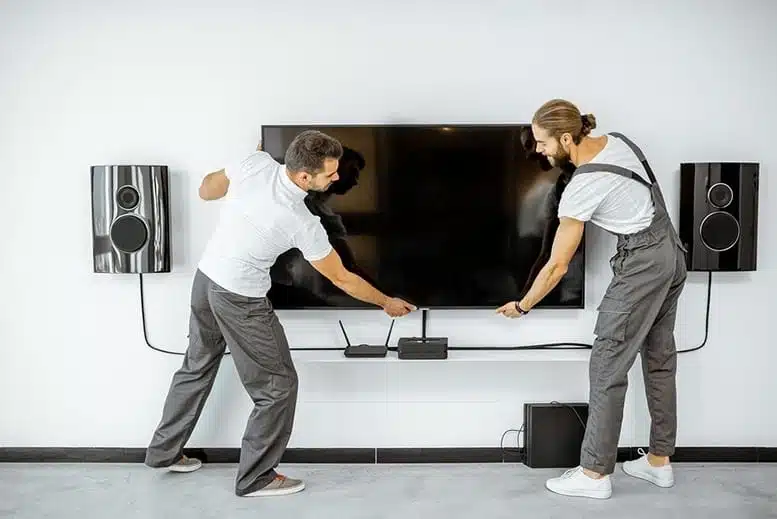
7 Best Tips On How To Move a TV – Moving a TV from one place to another can be difficult when doing it for the first time, figuring it out to seek help online, Be it a sleek LED television in your living room or a large screen used in office boardrooms, these devices are not just expensive but also delicate. Unlike the older CRT models, modern TVs are thinner and more prone to damage if not packed and handled properly during relocation.
HighEnd Movers brings you 7 Best Tips On How To Move a TV and how to ensure a safe and secure removal or relocation of your TV. The tips could be your key to avoid any breakage or other risks involved in moving.
Explore the 7 Best Tips on How to Move a TV
If you are planning to relocate and are searching for the best ways to move, keep reading. Here are some useful tips on how to move a TV. These 7 best tips on how to move a TV could be valuable in organizing the moving process while ensuring safety for the package.
Start with the original box
Moving a TV can be difficult, but knowing the essentials can help ease the process. If you have the original box from the purchase of the TV. If you don’t have the original box, try getting a box from the cardboard vendors near you. But carrying the TV can ensure no breaking or damage to the TV.
Gather the Right Packaging Supplies
High end movers have collected all the best ways to move a TV. Gathering the right things to perfectly secure your TV should be your top priority, and it should be maintained throughout the product’s life. Bubble wrap or foam sheets, A strong cardboard or wooden box, Packing tape, Stretch wrap, Corner protectors, a moving blanket or towel for extra protectionRemove the TV from the wall if needed.
-
Remove any legs or stands from the TV body.
-
Clean the TV using:
-
Appropriate on-screen cleaner
-
Canned air to remove dust from back vents
-
Micro fiber cloth to wipe down the TV casing
-
-
Clean all connected components (e.g., streaming devices, consoles).
-
Remove batteries from all remote controls.
-
Organize components by grouping each device with its connecting cables, remotes, and manuals.
Unplug your TV
Make sure to unplug all switches and wires of your TV before packing. Remove HDMI cables, USB devices, and power cords. Detach the base stand or wall mount if possible. Coil and label each cable so that setting it up again is easier. Keeping your TV upright during the entire move will help prevent any damage from happening.
Wrap it Right
Wrapping the box right can ensure no damage to the box through the wear and tear of the road. Let the box be seated upright and protect it from any damage. Wrap the screen first, then cover the entire TV in bubble wrap or foam sheets. If you’re using a box, insert corner protectors and slide the TV in vertically, just like how it’s normally positioned.
Laying it flat increases the risk of screen damage from pressure or vibrations. Use double layering for the TV and mention that the TV is in the moving box. Ensure that either a person is sitting in the truck or a proper installation of dividers and packers.
Label the Box Clearly
Labeling the box fragile is one of the best ways to move a TV and ensure no damage to it. , Handle with care can ensure extra care from the movers there. No damage will occur to the box. Mentioning that the box is for the TV can ensure gentle care for the box without causing much damage to the box. Take pictures of the entire wire setup before unplugging, so it’s easier to reinstall the TV. Ensure the right packing and the right mentions of the name of the TV on every side of the box, surrounded by all the securing packaging material.
During the Transfer
Avoid stacking anything on top of the TV ensures the carriers know how to handle the TV. Flat screen TVs are difficult to handle and are vulnerable to pressure quite a lot. Ensure extra packaging and padding all across the TV with the movers.
Insuring the TV
Insurance, any goods can come a long way, and flat screens are not an exception to this rule. Flat screens are expensive, and even a minor inconvenience can lead to a significant amount of money. A pro tip: don’t let it cause any damage to the TV before getting the insurance done, hence it might not be covered by the insurance.
Conclusion
Moving a flat-screen TV may look simple, but a single wrong step can cost you heavily. With proper preparation, the right materials, and professional assistance, you can relocate your TV without worry. These 7 useful tips on how to move atv will be helpful every time you decide to shift the entertainment box.
At High End Movers, we treat your electronics like our own — with care, expertise, and attention to detail. Whether it’s a residential move or an office shift, you can trust us to move your valuable equipment safely and efficiently.
Frequently Asked Questions On How To Move a TV
Should I insure my flat-screen TV when moving?
Yes, if possible, ensuring your TV can help save a lot of damage to your monthly bills and additional charges.
Can you lay an LED flat screen TV flat in the original box?
It’s advisable not to lay your LED flat screen flat in the original box, as it can damage your LEDs and the display of the TV.
What if I decide I no longer want my flat screen?
You can sell it on platforms like OLX or Facebook Marketplace.
Are there movers available in the country?
High-end movers are the best movers available in the county.